
1. Check Your Connection
First, ensure your controller is properly plugged into your PC via USB or paired correctly via Bluetooth. Can you see it responding in the Windows Game Controller panel?
If your controller is physically connected but Zelesis says "No Controller Detected" or the aiming isn't working, you likely need to install the required drivers.
2. Install Required Drivers
Zelesis requires HidHide and ViGEmBus to properly interface with your controller and hide it from the game (so the game sees the Zelesis virtual controller instead).
3. Restart and Verify
After installing both drivers:
- Restart your computer (important!)
- Open Zelesis (Run as Administrator)
- Go to the Controller tab enabled the "Controller Support" toggle
If successful, you should see the message:
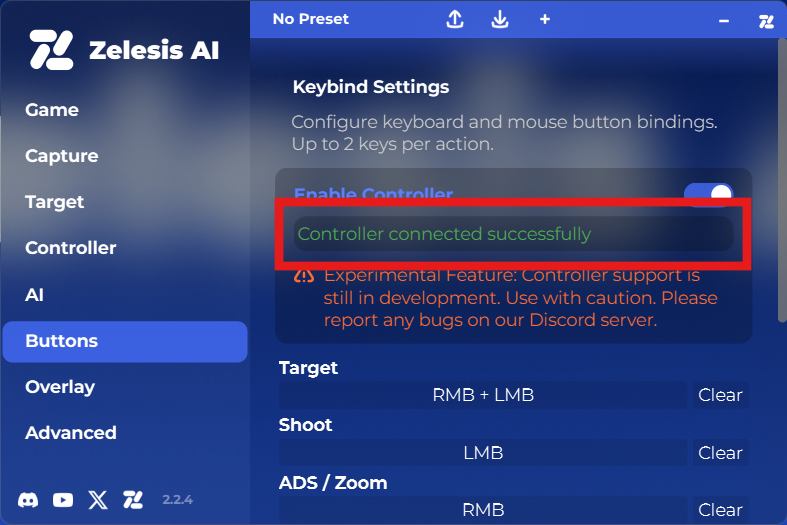
If it still doesn't work, ensure you are running Zelesis as Administrator.
 Zelesis AI