The Issue
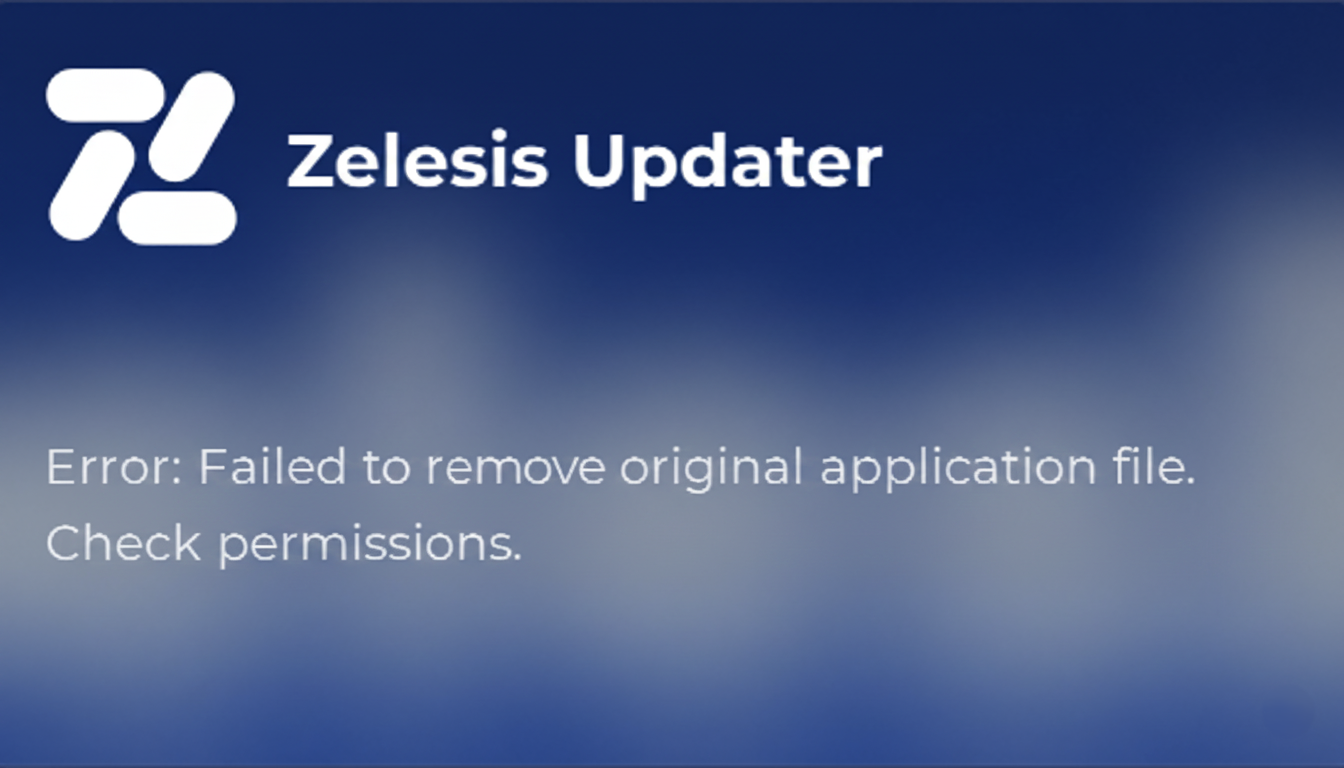
While trying to update Zelesis, you might encounter an error message that says:
Error: Failed to remove original application file. Check permissions.
This happens because Windows is preventing the Zelesis updater from overwriting the old files, usually due to insufficient permissions.
The Solution
To fix this, you simply need to run the application with Administrator privileges. This gives Zelesis the permission it needs to replace the old files with the new updated ones.
Steps:
- 1Locate the Zelesis Application
Find the Zelesis.exe file or shortcut on your desktop. - 2Right-Click the Icon
Open the context menu by right-clicking on the application. - 3Select "Run as Administrator"
Click on the option that says "Run as administrator" with the shield icon.
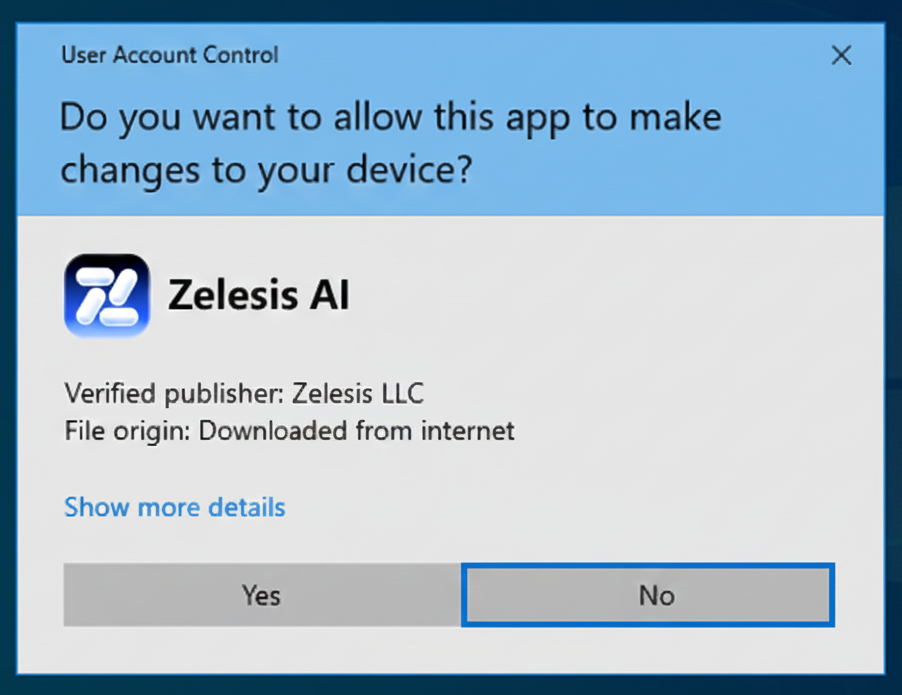
Once the application opens, the update should proceed normally without any errors. If you continue to face issues, try restarting your computer and repeating these steps.
 Zelesis AI